

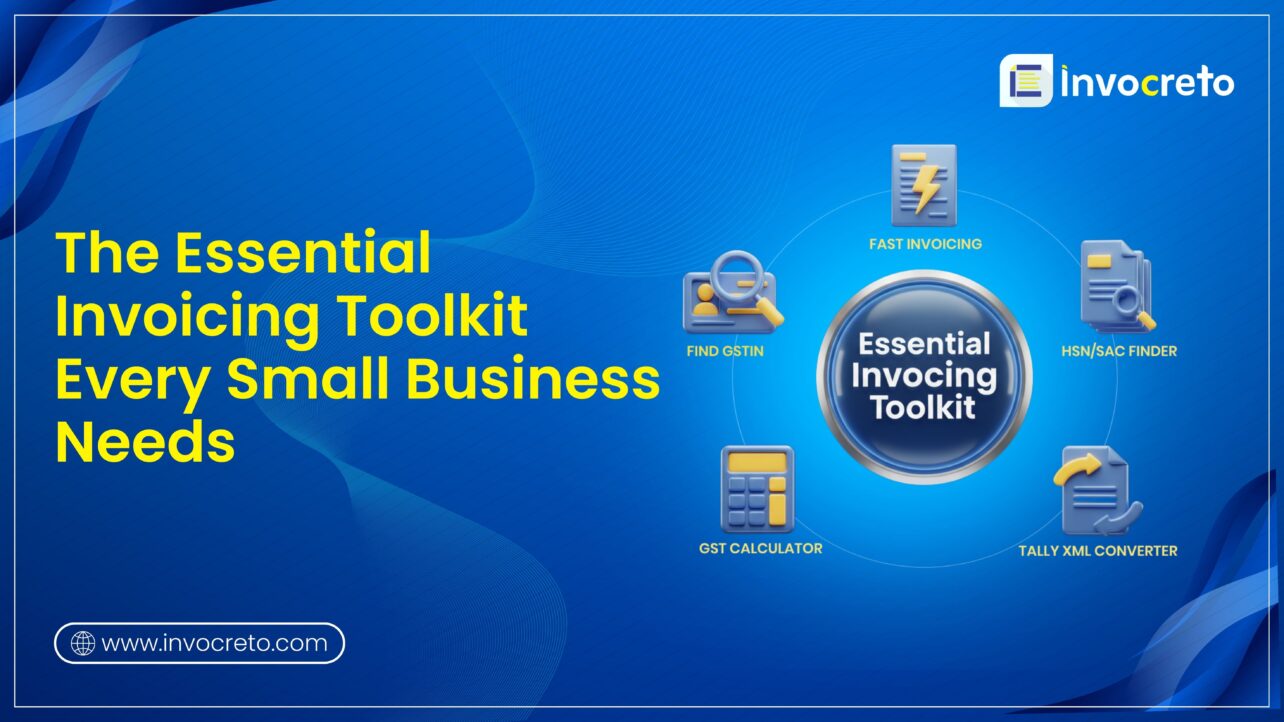
Every small business in India faces daily challenges with GST-compliant invoicing, from manual calculations to payment tracking. Invocreto offers a powerful set of GSTIN finder, HSN/SAC finder, free invoicing templates, GST calculator, and Excel to tally XML converter. These cloud-based solutions with AI support make error-free billing with GST compliance, helping owners save time and focus on growth.
Invocreto tools that stand out for small businesses
Invocreto builds tools made for SMEs, especially for complex GST rules and delayed payments. Our interactive interface uses AI/ML for smart insights, with SSL encryption for data safety. Access everything online for easy use on any device, any time. Our invoicing software and free tools let you handle multiple clients, auto-calculate taxes, and track statuses like paid or overdue, which helps in error-free, faster cash flow.
1. Find GSTIN (Tool 1)
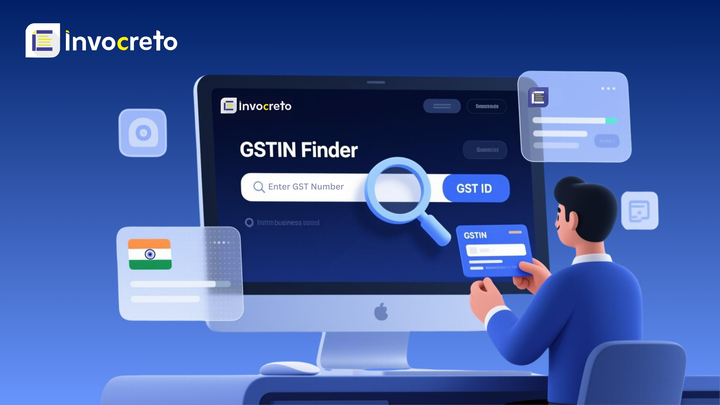
The GSTIN finder is a simple online tool to verify a business’s 15-digit Goods and Services Tax Identification number. Just enter a number, and it shows details like business name, address, state code, and registration status from the official record. This quick check GSTIN confirms if the supplier or customer is genuine and active under GST laws.
Composition of GSTIN:
| Section | Description |
| First 2 digits – State Code | Represents the state or union territory |
| Next 10 digits – PAN Number | These digits are the same as the business entity’s Permanent Account Number. |
| 13th digit – Entity Code | This digit shows how many GST registrations the same business (same PAN) has in that state. |
| 14th digit – Default “Z” | Reserved for future use (currently always Z). |
| 15th digit – Checksum Digit | Used for error detection and validation. |
Why use it? Fake GSTINs are common in scams, leading to blocked input tax credits. For example, before paying a new vendor, a quick check is made to avoid losses. Our tool updates in real-time with GST rules.
Purpose: Verify and validate GSTIN details of your business or customers
Benefits: Reduce fraud risk and smoother audits. Helps small shops verify customer GSTINs for B2B sales, easy ITC claims. Service providers use it for freelance contracts
How to use:
Step 1: Visit our page
Step 2: Enter GSTIN number
Step 3: Our tool will show all details, whether the number or the company is validated or not.
Once validated, let’s proceed to the next tool, HSN/SAC finder
2. HSN/SAC finder (Tool 2)
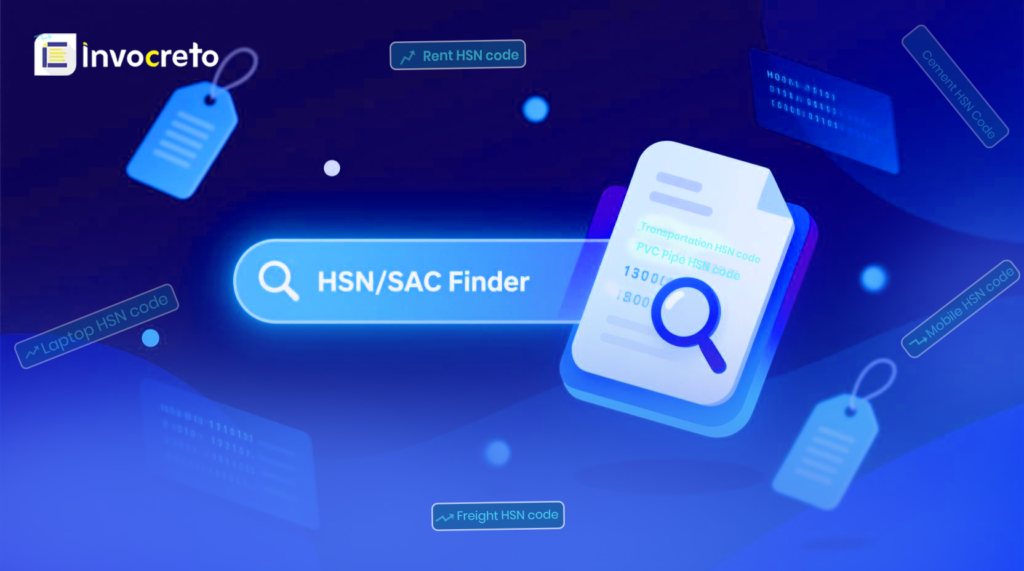
HSN stands for Harmonized System of Nomenclature for goods, and SAC means Services Accounting Code for services. Both are mandatory on GST invoicing to classify items correctly and apply the right tax rate. Tools lets you type product names like “cotton shirt” or services like “web design” to get matching code instantly.
Search results show 4,6 or 8-digit codes with descriptions. It covers over 5,000 goods and 1000 services updated for annual changes. This prevents under- or over-taxation, which helps to avoid notices from tax authorities. For beginners, filters by category like food, electronics, or consulting make it user-friendly.
Purpose: Identify the correct HSN (harmonized system of nomenclature) or SAC (Services Accounting Code) for the product or service you’re providing
How to use:
Step 1: Enter the product or service name/description into the tool
Step 2: Get the correct HSN/SAC code of the product/service
Step 3: Use this code.
Example: Small online business selling handmade candles. They go to our HSN/SAC finder tool and type ‘scented candle,’ and the tool shows the correct HSN code: 3406
3. Fast invoicing (Tool 3)
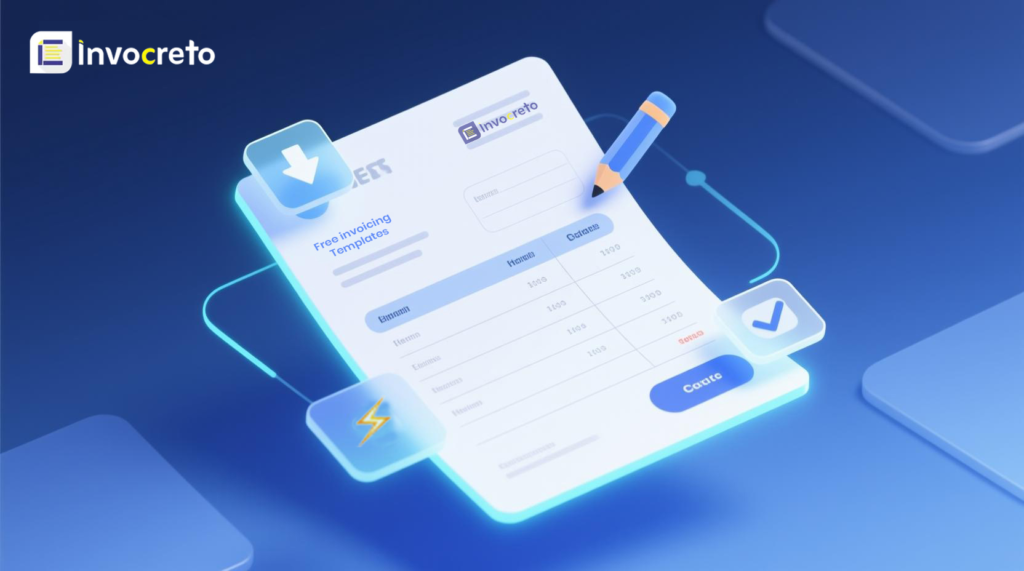
The invoice generator tool generates professional bills in under a minute. Just add customer details, quantities, rates, and your invoice is ready for download or sharing. You can select any template that matches your service (Fancy Invoice, Standard Invoice, Premium Invoice, Dark Invoice, Minimalist Invoice, Detailed Invoice). Add logo, payment terms, note, and GST rate will be auto-calculated.
Purpose: Quickly generate GST-compliant invoices.
How to use:
Step 1: Select any free template you like
Step 2: Add required details like name, address, contact details, and payment details
Step 3: Generate an invoice in a few clicks with a GST-compliant format (including GSTIN, total, and tax breakdown)
Step 4: Save, download, or send the invoice to the customer
4. GST calculator (Tool 4)
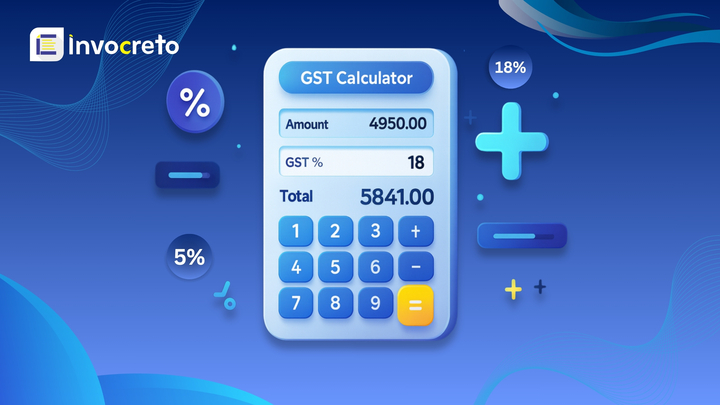
GST calculators handle tax math for rates from 0% to 28%. Choose if the base price excludes or includes tax, input the amount, and get breakdowns like net total, tax component, and total quickly.
Purpose: Calculate the GST exclusive or the GST inclusive amount
How to use:
Step 1: Select whether you want a GST-exclusive or a GST-inclusive amount
Step 2: Select GST rate (3%, 5%, 12%, 18%, 28%)
Step 3: Add the amount, and the calculator will calculate GST in a few seconds
Example:
1. Small graphics design service charges the client ₹10,000 for a logo design project. He needs to add GST, so he uses the GST calculator. Enter amount ₹10,000 and GST rate 18%, the calculator shows GST amount- ₹1,800 and total invoice amount: ₹11,800
2. Mobile accessories shop owner sells a phone cover for 354 (price already includes GST). GST rate on mobile accessories is 18%. He uses the GST calculator and selects GST Inclusive, selects the GST rate, adds the amount, and the calculator instantly gives the result
Actual price: ₹300
GST 18%: ₹54
Total (inclusive): ₹354
5. Excel to Tally XML converter (Tool 5)
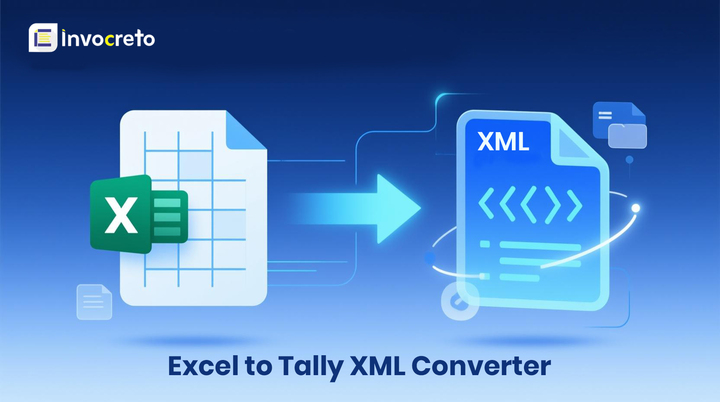
Converting data between different formats is necessary for small business accounting. The Excel to Tally XML converter tool allows you to convert your Excel invoice data into Tally XML format, which is perfect for businesses using Tally for their accounting and GST return filing needs.
Purpose: Convert your expense transactions Excel sheet into Tally-compatible XML format for accounting or reporting
How to use:
Step 1: Select the type of data you want to convert (Sales Without Inventory, Purchase Without Inventory, Receipt Voucher, Payment Voucher, Bank Statement, Journal Entry)
Step 2: Select whether you want Auto-Generate Master, TallyPrime format, or both
Step 3: Click to upload or simply drag and drop your Excel file
Step 4: Enter your company name exactly as in your Tally account.
Step 5: Click convert to download the Tally-ready XML file instantly.
Avoid mistakes with our free tools
- Wrong HS/SAC codes: The Tax office will send notices and block credits if you use wrong codes. E.g, phone needs 85xx series, so type ‘phone’ on our HSN/SAC finder and get the exact 8-digit code with GST rate instantly.
- Fake GSTIN: Sometimes, fake suppliers vanish after payment; no tax credits are allowed. GSTIN checker verifies business name, address, and active status in seconds, so you can stay away from scammers.
- Mistake in GST calculation: Whenever you’re doing manual GST calculation, always verify it by using the GST calculator to make sure you’re not underpaying or overpaying.
Your all-in-one solution – Invocreto invoicing software
Invocreto invoicing software is cloud-based with AI-powered features for seamless GST billing. Choose an invoice template, add products/services and other details, and your invoice is ready in just a few seconds. It handles GST splits (CGST/SGST/IGST), auto GST calculations, and multi-client management easily.
You can share invoices via email or WhatsApp with payment details, track status (paid/pending/overdue), and get AI insights on cash flow trends. SSL encryption keeps data secure. Our interactive interface works on mobiles for on-the-go use. Robust for heavy use, GST compliance helps save time and boost efficiency.
Final Thoughts
Invoicing is an important part of running any small business, and the right tool can make the whole process easier. Using simple tools like GSTIN finder, HSN/SAC code finder, free invoicing templates, GST calculator, and Excel to tally XML converter can help you stay organised, avoid mistakes, and save valuable time. These tools help in basic but important tasks like checking GST details, finding the right tax codes, creating clean invoices, and calculating GST correctly. Now you can focus more on your customers and your business instead of manual work. A good invoicing toolkit helps your business run more smoothly, stay compliant, and look more professional. With the right set of tools, invoicing became simple, clear, and manageable, so you can grow your business more.

No comments yet