

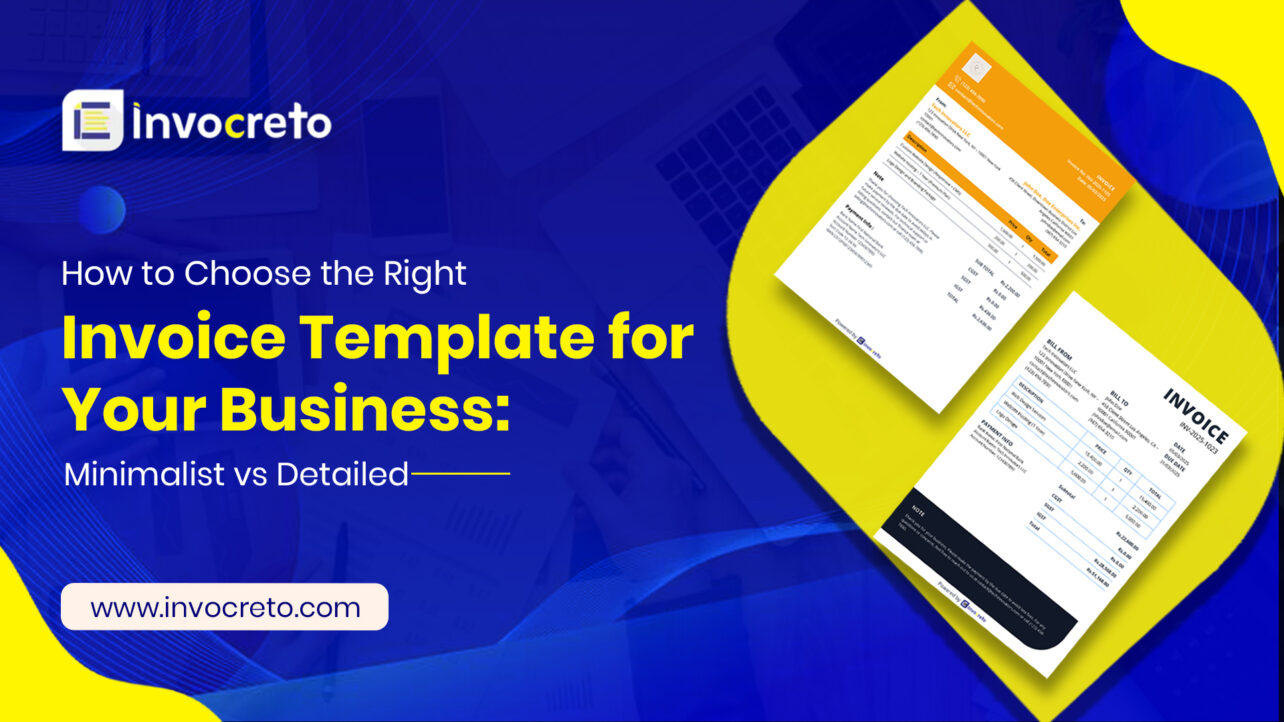
If you create and share bills regularly, invoices are an important part of your business, so always select the correct template, which can speed up payment, reduce questions, and strengthen your business. This guide explains how to choose between minimalist and detailed invoice templates, and you can tailor your choice to your business, clients, and goals.
What is an invoice template, and why does it matter?
An invoice template is a ready-made layout you use to bill customers. It includes sections for your business info, client details, items or services, pricing, taxes, and payment terms. A good template is clear, consistent, and easy to read. It helps clients understand chargers quickly and makes it easy for them to pay on time.
Why does the right invoice format matter for businesses?
Choosing the right invoice format is not just selecting a design; it will impact the smooth operation of your business. A clear and well-structured invoice helps clients understand charges without confusion, reduces payment delays, and ensures proper documentation for tax and accounting purposes. Selecting the right format also shows your brand’s professionalism, builds trust, and helps you stay compliant with GST and other billing requirements. If you run a small service business or manage high-volume transactions, using the correct invoice template can save time, improve accuracy, and streamline your entire billing process.
Key factors to consider when choosing a template
Clarity: The most important quality of any invoice is readability. If the client has to search for the total due or payment terms, the chance of timely payment reduces.
Branding: An invoice reflects your business image. Even a simple design can feature your logo, colors, and fonts to build brand recognition.
Information needed: Some businesses require detailed descriptions for tax, warranty, or project tracking purposes. Others need minimal data to invoice
Auditing and accounting: If invoices need to be easy to reconcile, a consistent structure helps your accounting software and your team.
Client expectations: Some clients prefer concise invoices, while others require detailed itemised information, particularly in complex projects or B2B services.
Types of Invoice Templates
What is a Minimalist Invoice Template?
Minimalist invoice is a clean layout with lots of white space, few visuals, and focus on essential details like business and customer information, invoice number, issued date, itemised list of products/services with quantities and price, subtotal, and payment terms. Use this professional minimalist invoice template when you bill frequently and need to send an invoice quickly, or if your business offers simple services. Clients value speed and clarity, so this template helps to scale across multiple clients without heavy customisation.
Benefits:
- Faster reading: Client can see totals and due dates at a glance.
- Professional look: modern design helps in efficiency and reliability
- Consistency: Simpler templates reduce errors and make processing smoother
- Speed: Easier to fill out
What to include in a minimalist invoice:
Header: Your business name and logo
Essentials: Invoice number, invoice date, due date, and payment terms
Client Details: Client name, company name, address, and contact details
Item List: Brief description of services or products with amounts (single-line or grouped items)
Totals: Subtotal, taxes, total amount due, and currency
Payment Methods: Bank transfer details, online payment links, or accepted payment options
Note: Short, relevant messages (e.g., “Thank you for your business” or late payment policy)
Detailed or itemised invoice templates
A detailed invoice template is a ready-made format used to create an invoice that shows complete and clear information about a sale or service. It helps both seller and customer understand what was provided, how much it costs, and how much needs to be paid. Layout with detailed descriptions, line-by-line itemisation, and additional fields for taxes, discounts, and terms
Benefits:
Transparency: Clients can see exactly what they’re paying for, which helps justify charges
Audit trail: detailed line items support internal tracking and client record-keeping
Tax compliance: clear tax and information reduces questions during audits. Cross-selling opportunities: Space to include related service, terms, or clarifications.
What detailed invoice usually includes:
- Seller details- business name, address, contact number
- Customer details- name and address
- Invoice number & date- for record and tracking
- Quantity & price- how many and cost per item
- List of items or services- each item shown separately
- Taxes (like GST)- shown clearly
- Discount (if any)
- Total amount payable
- Payment terms- due date, payment method
Key Differences: Minimalist vs Detailed Templates
| Feature | Minimalist Invoice Template | Detailed Invoice Template |
| Design Style | Clean, simple, modern | Structured, information-heavy |
| Content | Only essential details | Includes item breakdowns, taxes, terms, and extra notes |
| Best For | Freelancers, consultants, small services | Manufacturing, agencies, wholesalers, GST-heavy billing |
| Processing Time | Faster to create and send | Takes more time to fill due to more fields |
| Client Understanding | Quick overview | In-depth clarity on charges |
| Compliance | Basic compliance | Strong compliance with GST, HSN, and itemised details |
| Purpose | Simplicity and speed | Transparency, accuracy, and documentation |
| Branding | Minimal branding elements | More space for logos, colors, and detailed branding |
| Use Case Example | Single-service invoices | Multi-item, tax-heavy, or recurring invoices |
When to Use a Minimalist Invoice Template
A Minimalist Invoice Template is best used when you want a simple, clean, and quick billing format without too many details.
Suitable business types
- Freelancers (designers, writers, developers)
- Consultants
- Small service providers
- Solo business owners
- Startups with simple pricing
- Businesses without a complex tax structure
When to Use a Detailed Invoice Template
A Detailed Invoice Template should be used when your billing needs a clear explanation and proper records.
Suitable business types
- GST-registered businesses
- Agencies (digital marketing, IT, advertising)
- Consultants charging by hours or tasks
- Manufacturing and trading businesses
- Service providers with multiple items or services
- Companies working with corporate clients
How to decide between Minimalist and Detailed
Step 1: Identify primary goal
- Get paid faster? Minimalist can reduce friction and emphasize due date and payment options
- Clear billing for complex work? Detailed templates reduce confusion and provide accountability.
Step 2: Consider client preferences
- New clients or larger organizations may appreciate detailed itemisation for record-keeping
- Small businesses or freelancers with ongoing projects may prefer quick, clean invoices.
Step 3: Assess your pricing and services
- Flat-rate services or simple product sales align well with minimalist designs.
- Time-based billing, multi-service bundles or custom projects benefit from detailed breakdowns.
Step 4: Internal processes
- If accounting and auditing require granular data, favor detailed templates.
- If you need speed and low administrative overhead, minimalist templates are advantageous.
Case studies: How different templates work in real life
- Freelancers who bill hourly often prefer minimalist templates to speed up the invoicing process after a long job, mostly when working with repeat clients who value quick payments.
- Agencies handling multi-service campaigns usually need detailed invoices to break down hours, materials, and subcontractors, which helps clients see value and supports budgeting
Common mistakes to avoid
Overloading with graphics: Excessive images or fancy fonts can distract from important information.
Missing essentials: Invoice number, date, due date, itemisation, tax details, and payment instructions are important
Inconsistent formation: Changing fonts, alignments, or spacing between invoices creates a distracted impression
Hidden charges: surprises in invoices undermine trust. Itemise all fees upfront
Unclear terms: unclear payment terms lead to late payments and misunderstandings.
Free invoice Templates you can choose
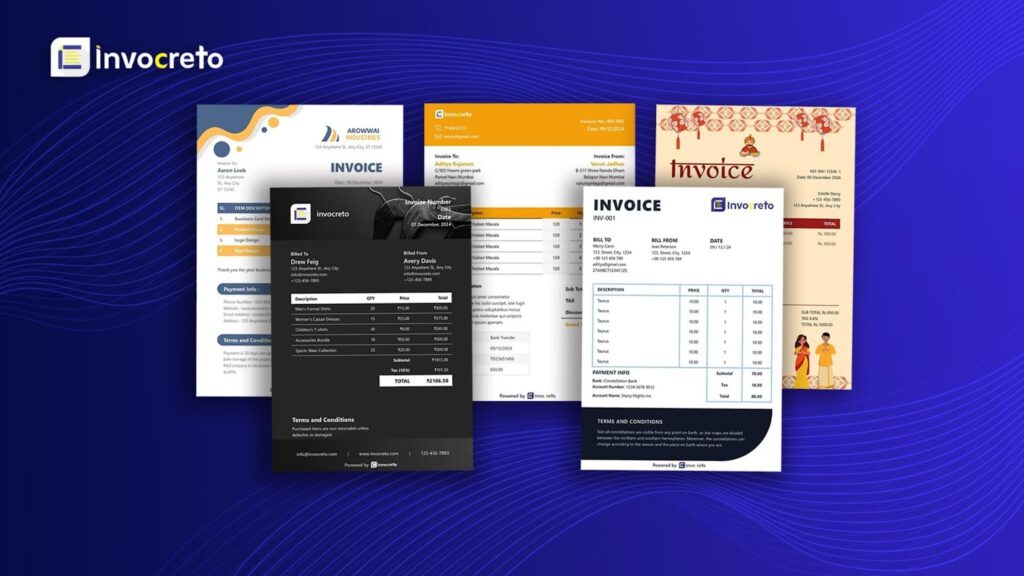
Invocreto offers different types of free invoice template that matches your business brand
Fancy invoice:
The fancy invoice template has a stylish and attractive design. It is great for businesses that their invoices look modern and eye-catching while still showing all important billing details clearly.
Standard invoice
The standard invoice template offers a clean and professional layout. It includes all basic invoice fields and works well for everyday business billing across different industries.
Premium invoice
The premium invoice template gives a polished and high-quality look. It is ideal for businesses that want to present a strong brand image and create a more professional impression on clients
Dark invoice
The dark invoice template uses a dark colour theme for a modern and unique appearance. It is easy on the eyes and perfect for users who prefer bold and stylish invoice design
Minimalist invoice
A minimalist invoice template focuses on simplicity and clarity. It removes extra design elements and highlights only essential information, making it easy to read and understand.
Detailed invoice
The detailed invoice template provides extra space for full billing information. It is useful for showing item descriptions, taxes, notes, and payment terms in a clear and organised way.
Conclusion: Which Invoice Template is Best for Your Business?
Choosing the best invoice template depends entirely on your business needs. If you prefer quick billing, handle simple services, or want a clean and modern look, a minimalist invoice template is the perfect fit. But if your work involves multiple items, taxes, detailed breakdowns, or clients who need complete clarity, a detailed invoice template will serve you better. Both formats are effective; what matters is selecting the one that helps you stay organized, look professional, and get paid faster. The right template should simplify your billing process, reduce errors, and support your business’s growth with every invoice you send. Invocreto’s free invoice template lets you create professional invoices in minutes, with just a few simple clicks.

No comments yet