
Purchase Without Inventory
Upload your Excel and download the converted XML
Need a template?
Download our sample Excel file to see the required format
Click to upload or drag and drop your Excel file
Supports .xlsx, .xls files up to 10MB
How to Convert Data ?
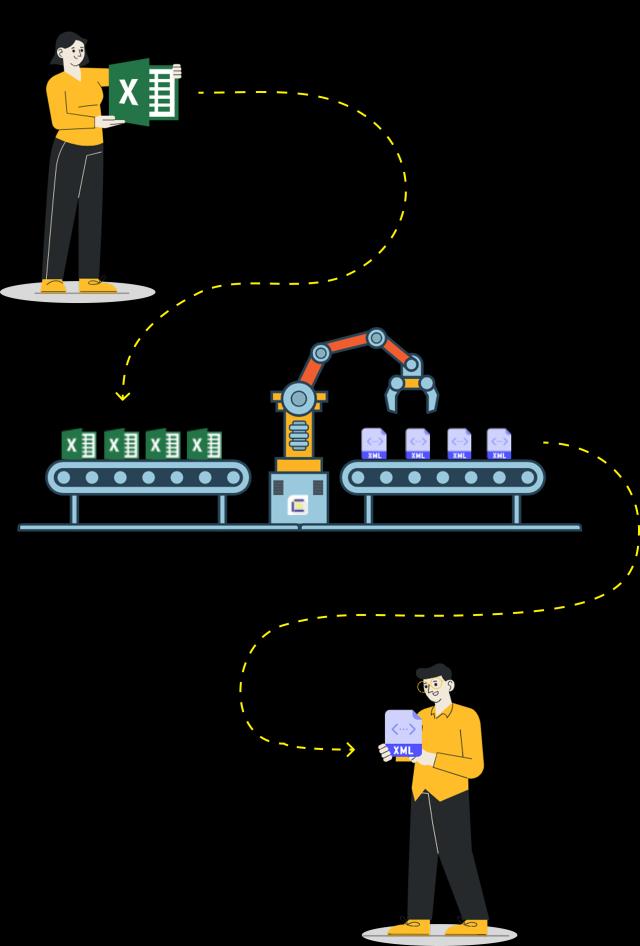
Step 1
Click to upload or simply drag and drop your Excel file
Step 2
Enter your company name exactly as in your Tally account.
Step 3
Select whether you want Auto-Generate Master, TallyPrime format, or both.
Step 4
Click convert to download the Tally-ready XML file instantly.
Purchase Without Inventory in Tally – Easily Track Your Business Expenses
Purchase without inventory refers to business expenses that are not linked to physical goods or stock. These include costs like rent, electricity, internet, software subscriptions, professional fees, and other services. While these entries don't affect inventory sheets, they must still be recorded in Tally for accounting, GST input tax credit, and financial tracking.
In many small businesses and service-based companies, most purchases fall under operational expenses. Manually entering such data from an Excel spreadsheet to Tally can take time and may lead to errors.
Our free Excel to Tally XML converter simplifies this process by allowing you to convert your Excel-based purchase data into Tally-compatible XML format instantly. Whether you're dealing with recurring bills or uploading multiple vendor invoices, this tool helps you save time and improve accuracy.
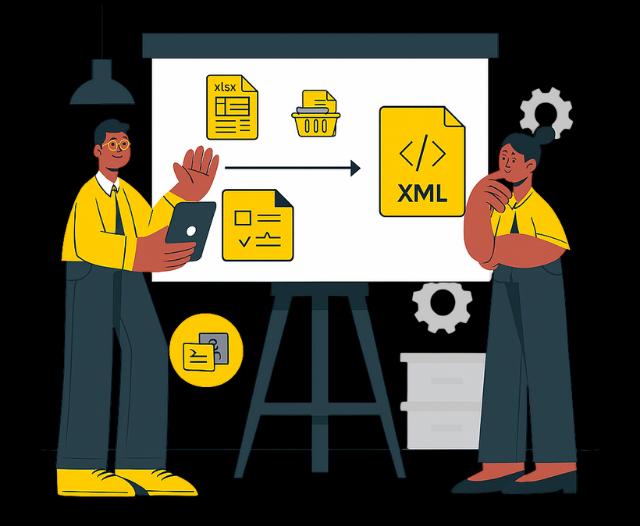
Our Tally automation tool is the perfect solution for business owners, accountants, and freelancers who want to keep their Tally purchase records organized, accurate, and always ready for tax reporting.
Supported Formats and Excel Fields
Our Excel to Tally XML Converter is designed to work smoothly with commonly used Excel formats. Whether you're using Excel for daily accounting or maintaining voucher records in bulk, the tool easily reads your data and converts it into a Tally-friendly format.
Supported File Types:
You can upload your files in Excel formats like .xls or .xlsx.
Essential Excel Columns:
To ensure your data is converted correctly, your Excel sheet should include key fields such as:
- Date(DD/MM/YYYY)
- Voucher Type
- Ledger Name
- Amount
- GST details (CGST, SGST, IGST if applicable)
- Payment Mode or Account Name
- Narration or Reference Number (optional)
Each tool (sales, purchase, receipt, payment) has its own simple format. You can also download ready-to-use templates to get started quickly.
NOTE :
You can also download a sample file to check the format or create your own Excel data file to convert it into XML.
Who Can Use This Tool ?
This Tally automation tool is built to serve anyone who works with Excel and Tally. It's especially useful for:
Small Business Owners
You may not have a full-time accountant, but you still need to keep your records clean and compliant. This tool simplifies your import process without needing any technical background.
Freelancers and Consultants
When you provide services and raise invoices through Excel, the converter helps you convert Excel to Tally XML quickly and update your Tally system correctly.
Accountants and Bookkeepers
If you're handling accounts for multiple clients, this tool helps save time by automating repetitive data entry into Tally.
GST Practitioners
If you need to prepare Tally data for filing GST returns, this tool ensures all vouchers are correctly formatted for accurate reporting.No matter your role, if you work with Excel and Tally, this tool makes the process smoother,faster, and more reliable.
No matter your role, if you work with Excel and Tally, this tool makes the process smoother, faster, and more reliable.
Key Features of the Converter Tool
Why choose Invocreto ?
Frequently Asked Questions
© 2026 Sharpsuite Business LLP™. All Rights Reserved.