

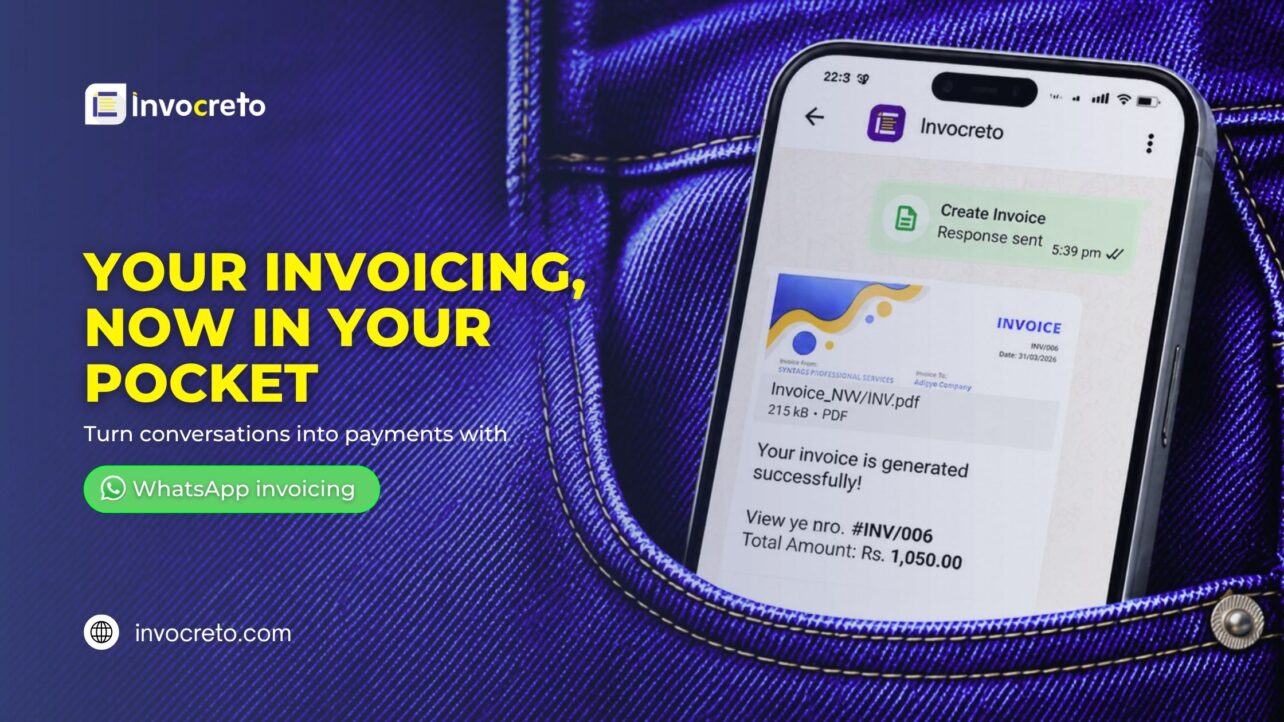
If you’re still copy-pasting invoice details into spreadsheet, you’re doing billing hard way. Here’s why thousands of small businesses are making switch and how WhatsApp invoice generator can completely change way you get paid.
More than 500 million people in India use WhatsApp every single day. Your clients are on it. They check it constantly. So when it’s time to send them an invoice on WhatsApp, why are you still emailing PDF that they might open three days later or never?
The Google Sheets Billing Problem Nobody Talks About
Google Sheets is brilliant tool. It’s free, familiar and works on every device. But when small business owners start billing on sheets it gets complicated, absolutely not right tool. Every hour you spend on billing admin is an hour you’re not spending on work that actually makes you money.
It you create just 20 invoices month and spend around 40 minutes on each one, that’s 13.3 hours every month wasted on only billing tasks. That’s almost two full working days every single month is gone, not on client work, not on growing your business but on copy-pasting details, calculating tax, exporting PDFs and chasing payments.
Here’s what typical Google Sheets billing workflow looks like:
Step 1: open spreadsheet (3 min)
Find your invoice template, duplicate last row, and rename file. Wishing formatting didn’t break
Step 2: fill in everything by hand (8 min)
Type client name, address, phone, GSTIN, invoice number, date, due date all from scratch, every time
Step 3: add items and calculate GST (5 min)
List services or products, apply GST rate, double-check CGST vs IGST, and fix total. If one mistake happens, you need to start over
Step 4: export as PDF (3 min)
Download as PDF, check it doesn’t look broken, rename file, and find where it downloaded to.
Step 5: compose an email and attach (5 min)
Open Gmail, write polite email, attach PDF, send it, and then hope client actually opens it
Step 6: wait and follow up
Send polite just following up message. Wait again. Call them and finally get paid maybe week later.
And this is for every invoice every month, so Google Sheet doesn’t just waste your time, it delays your payments, breaks your professionalism and adds stress that freelancers or small business owners simply don’t need. The old way isn’t just slow. It’s costing you money every single month because you send invoices late so you get late payments.
Why email is also slowing down your invoicing cycle
Maybe you are using billings tool but still send invoices by email. But average email open rate for business invoices is 20% and 3 days is average time before client opens billing email. Your invoice gets lost under pile of emails, and client wants to pay but three days pass before they even see invoice. Then you follow up but they say they’ll get to it and another week is gone
WhatsApp doesn’t have an inbox problem. It’s app your client checks every morning before they even get out of bed. When you share your invoice on WhatsApp, they will see it immediately. This is what Invocreto detects and starts working and creates India’s 1st WhatsApp invoice generator to make your invoicing system more easy with app that everyone is already using. And businesses need to start moving towards whatsApp invoice generator instead of traditional email-based billing systems.
What is WhatsApp invoicing?
WhatsApp invoicing is exactly what you think of your entire invoicing system on WhatsApp, from generating invoices to getting paid. Most know online invoicing software is complicated, has high prices and you still need to switch apps for sharing or contacting clients. but whatsapp used by everyone, you and your clients, for small businesses or freelancers prefer WhatsApp for their business they have all business conversations on this app. Some business owners use app for placing orders so it’s most convenient to use WhatsApp for further business, billings
When freelancers use other software for create invoices and send them on WhatsApp, but for payments they need to send bank account details or QR code for scanning but in this manual process lot of mistakes can happen, like adding wrong bank details which causes delays in payment, sending wrong amount, sometime owners payment method is not convenient for clients. And all of this issue makes your business look unprofessional or not properly managed
With our new feature, WhatsApp invoicing:
- Create professional, branded GST invoice in under 60 seconds
- Auto-calculate CGST, SGST and IGST, no manual calculation needed
- Send invoice PDF directly to your clients WhatsApp
- Include UPI or card payment link right inside message
- Get notified moment your client pays from anywhere on your phone
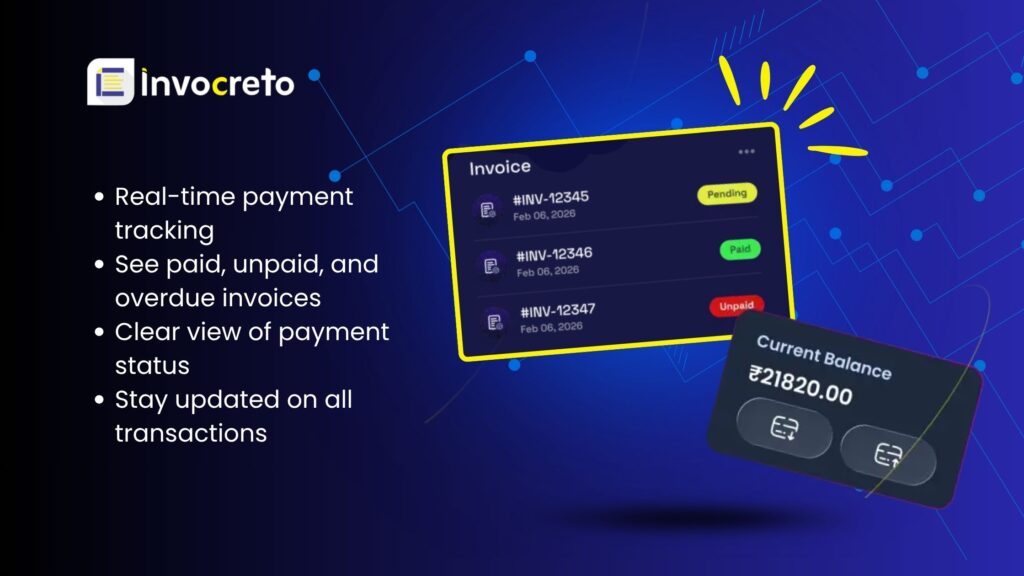
- Track all invoices paid, pending overdue from one clean dashboard
The idea is simple, the impact is huge
“Invoicing in your pocket” means your billing system is always with you. Anytime, anywhere to client’s home, cafe, market or if you’re travelling no need for laptop, desk, switching software or tools just open your daily use app and in few minutes
Most billing problems aren’t just billing problems. There are timing problems. The invoice gets delayed because you needed laptop, you forgot to send invoice because you planned to do billing later or it gets lost because your client checks their email once week. WhatsApp invoice generator solves all three in one move
Everything inside WhatsApp:
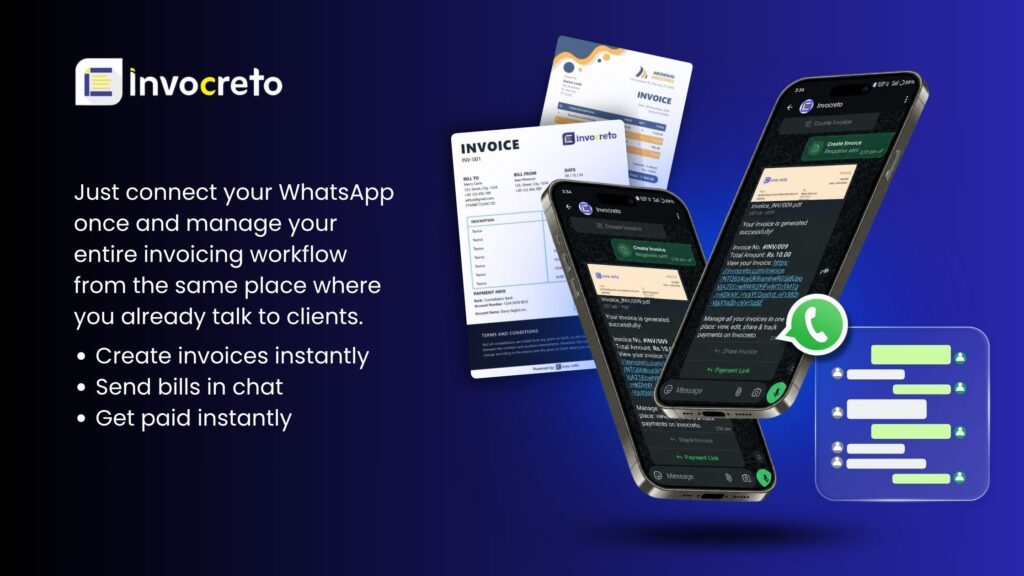
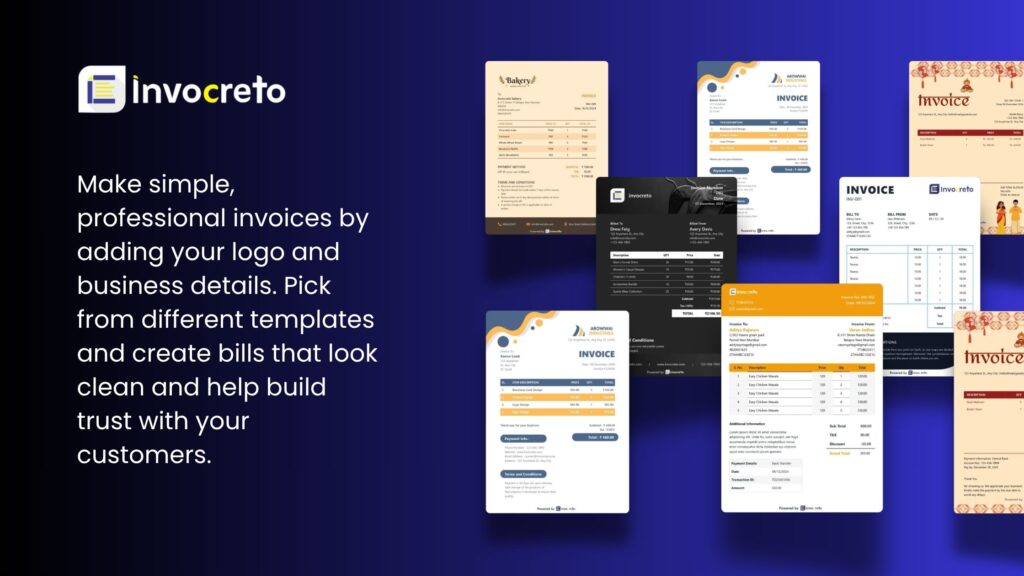
Professional branded invoices:
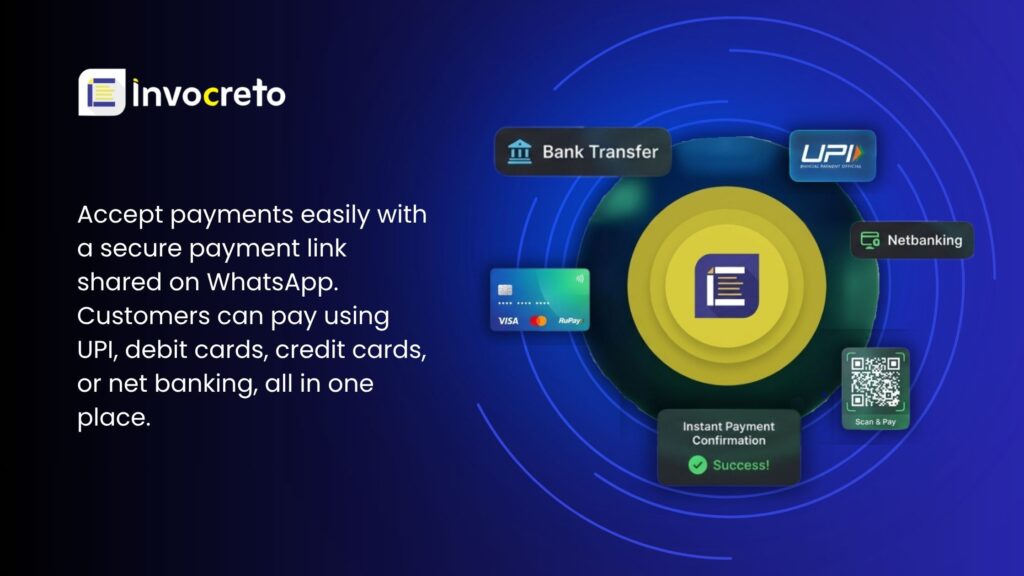
Built-in payment collection:
Smart payment tracking:
Fast & secure invoicing:
What changes with WhatsApp invoicing
Changes are not just about speed. It changes entire flow of how your business runs
| With spreadsheet billing | After WhatsApp invoicing |
| You finish logo project at 6 PM, exhausted. You tell yourself you’ll send the invoice after dinner. | You finish the logo project at 6 PM. While the client is still online, you pull out your phone. |
| At 9 PM, you open the laptop. Find the spreadsheet. The last invoice has broken formatting, spend 10 minutes fixing it. | Open WhatsApp. Type “create invoice.” Select the client from your saved list. Select the service. Done. |
| You manually enter the client name, amount, calculate 18% GST, double-check the total. One number was wrong. Start over. | A branded GST invoice is generated in seconds. GST calculated correctly. Invoice number is assigned automatically. |
| Export as PDF. Attach to email. Write a polite message. Send at 9:47 PM. | Invoice PDF sent in the same WhatsApp chat. Payment link included. Your client sees it instantly. |
| Three days later, no payment. Send a follow-up email. Two more days pass. Finally get paid on day 5. | 6:18 PM, payment notification arrives. Paid. You’re done before dinner even starts. |
| Time lost: 50 min. Payment: 5 days later | Time spent: 60 sec. ·Payment: same evening |
Real Stories from Real Business Owners
“I used to spend a lot of time making invoices in spreadsheets after every project. Now I just send the invoice on WhatsApp as soon as I share the final work. Clients pay quickly, and I don’t have to follow up for payments anymore.”
Priya, Freelance Graphic Designer — Mumbai
“My customers order on WhatsApp, so now they also pay on WhatsApp. Earlier I’d send a photo of a handwritten amount. Now they get a branded PDF with a UPI link. It looks so professional and they pay without me having to ask twice.”
Ramesh, Home Baker — Pune
“I used to lose track of who paid and who didn’t. Now I check it like I check Instagram, takes five seconds.”
Kartik, Music Tutor — Hyderabad
“My client asked for an invoice while I was still at their house fixing their AC. I sent it before I packed my tools.”
Vijay, AC Technician — Ahmedabad
Your Billing Belongs in Your Pocket
For long time, people used Google Sheets or scattered tools just to send invoices. It worked, but it was never made for billing. It slowly became extra effort in the middle of an already busy day. You finish a job, then you open file, update details, format everything, export it, send it, and still hope client checks it on time. Sometimes you follow up once… sometimes more. And even then, you’re not sure where things stand.
WhatsApp Invoice Generator changes that simple flow. Now, you just create and send invoices right inside WhatsApp the same place you already talk to your clients. No switching apps. No messy steps. No waiting. It also makes your work look more professional without any extra effort.
At the end of day, it’s not about adding another tool. It’s about removing the extra steps that slow you down. Billing should be simple, fast, and part of your everyday chat not a separate task you keep postponing.

No comments yet